Flat Input · 1024 × 1024 PNG
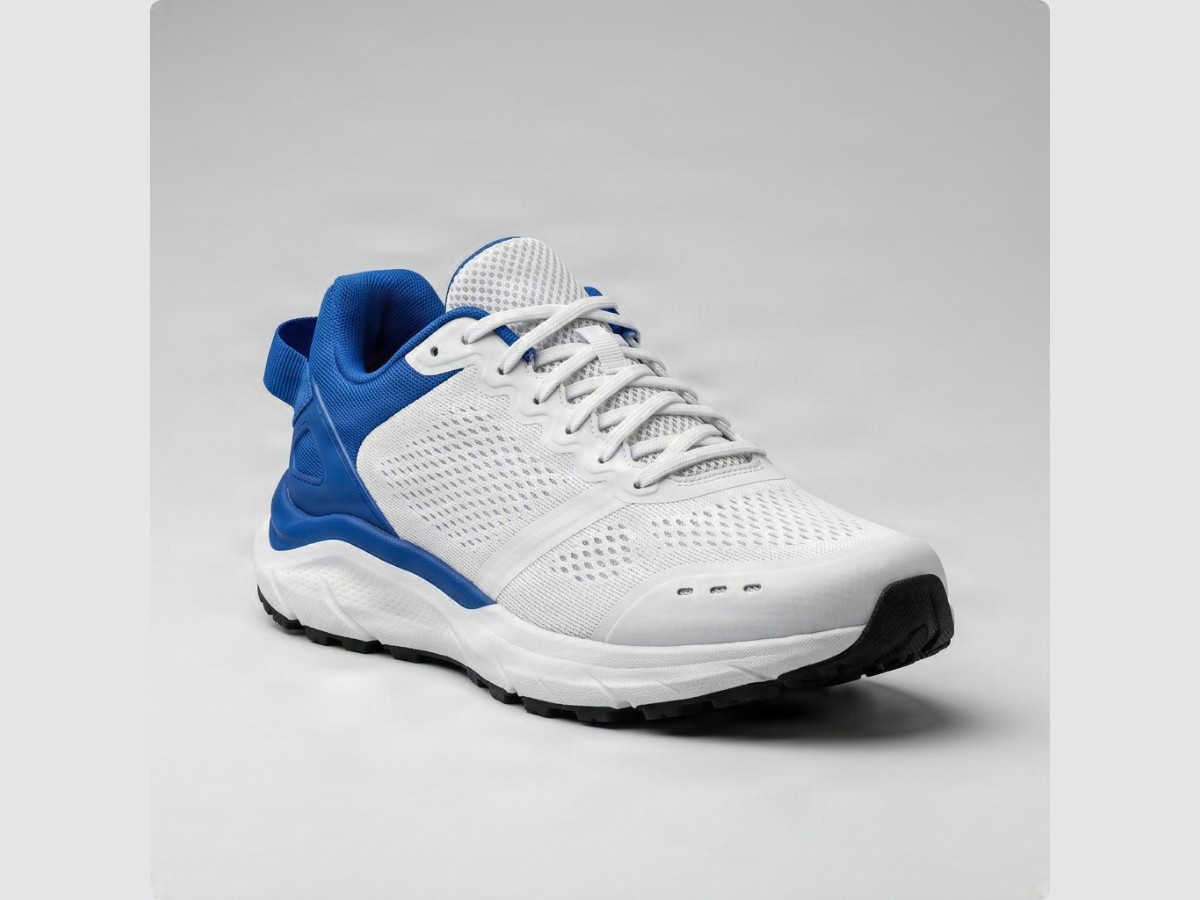
Single-Plane Studio Sneaker Photograph
In a flattened catalog shot, white mesh uppers, floor contact shadows, and gray cyclorama lighting are fused together, blocking clean background swaps or floating layouts.
Turn flat photos, posters, or artwork into editable layers with restored backgrounds—upload one image or load a sample. Skip manual masking and tedious background cleanup.
Flattened product shots, archived banners, and AI renders lock subjects, shadows, and text onto one plane, forcing hours of manual pen-tool masking. See how one uploaded JPG, PNG, or WebP photo splits into an anti-aliased transparent PNG cutout, separate contact shadow, and clean studio backdrop ready for ZIP or PSD export.
In a flattened catalog shot, white mesh uppers, floor contact shadows, and gray cyclorama lighting are fused together, blocking clean background swaps or floating layouts.
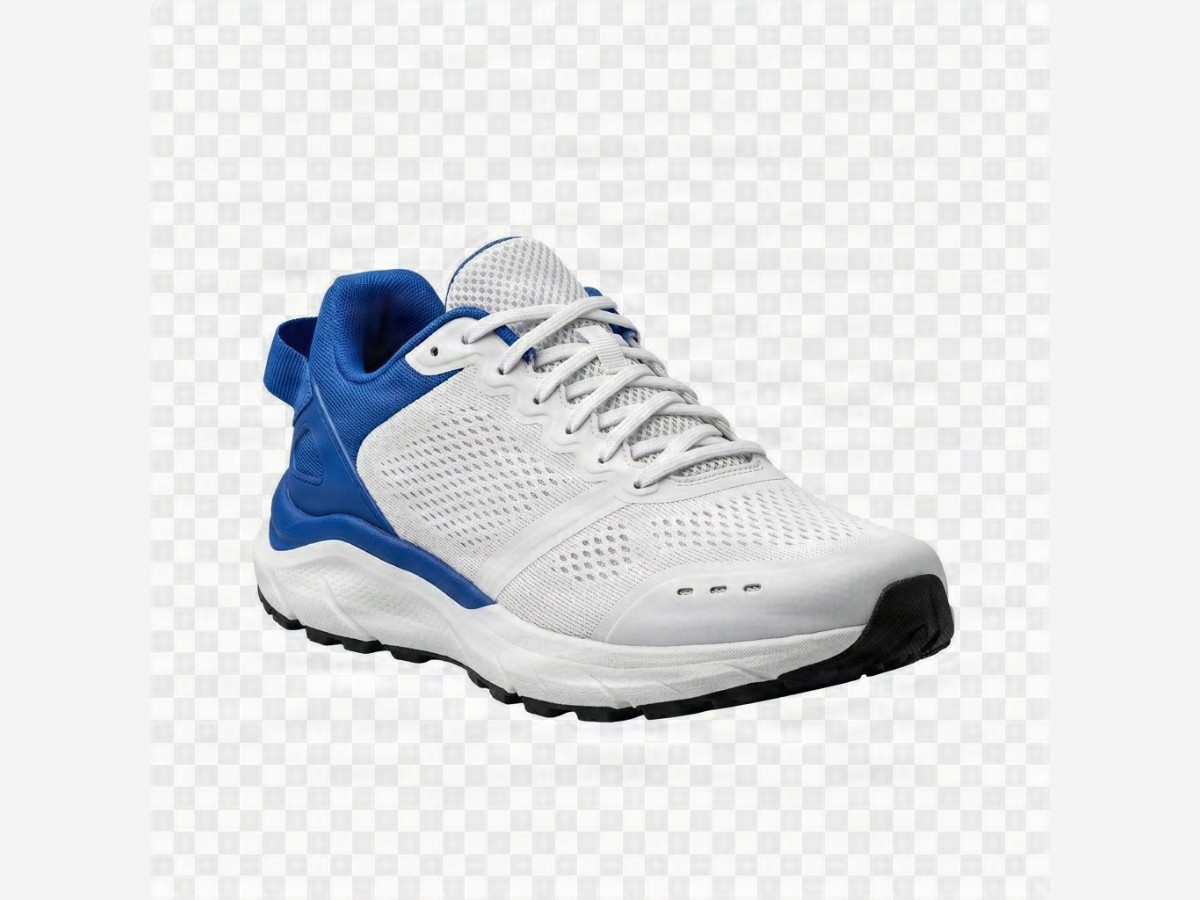
Image to Layers AI isolates the sneaker silhouette with crisp lace alpha edges while splitting the soft floor shadow and reconstructed studio backdrop into separate files.
Inspect Separated PNG Elements
Razor-sharp mesh and sole alpha mask ready for Figma, Canva, or web hero cards.
Select any flat JPG, PNG, or WebP file up to 10 MB, or open a pre-split sample online to test the studio.
Choose Auto Element Split, Subject + Backdrop, Multi-Object Scene, or Text & Graphics in 1K or 2K resolution.
See each isolated layer on an alpha grid, rename or reorder elements, and download a PNG .ZIP archive or .PSD.
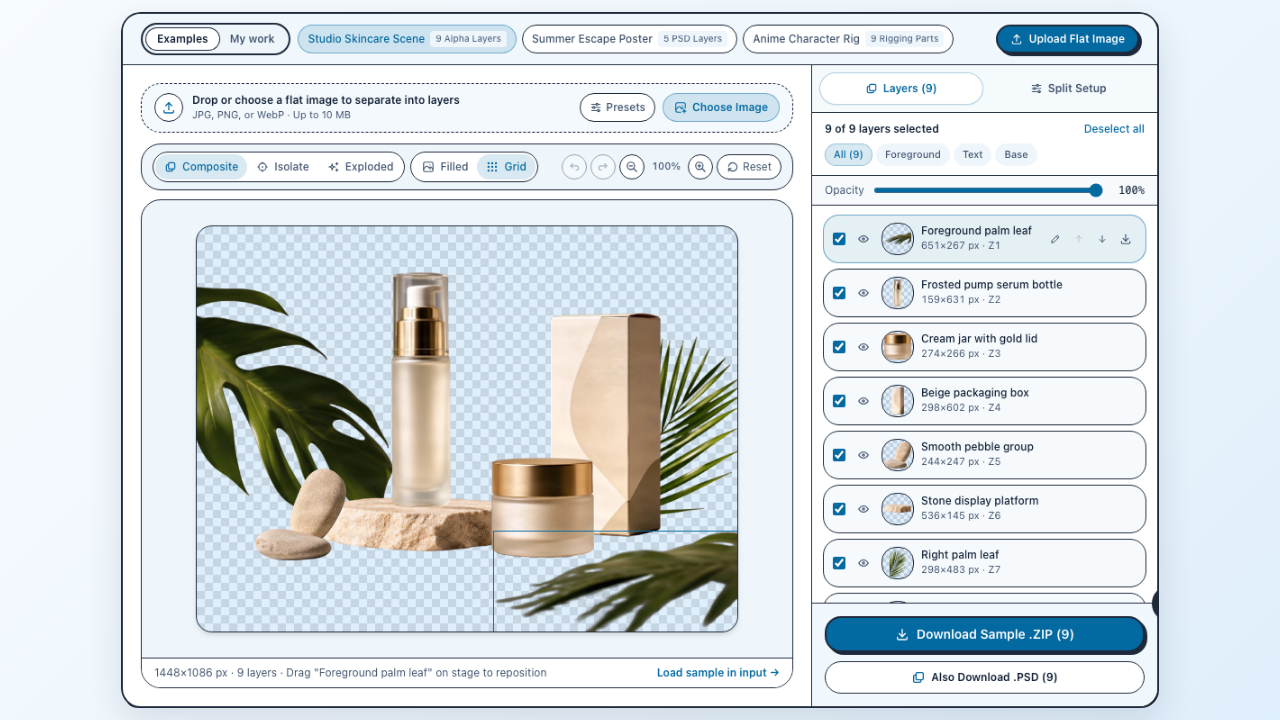
Preview every extracted element in your browser using Composite, Isolate, and Exploded views, filter text versus foreground parts, and fine-tune pixel offsets before downloading.
Inspect Sample Layers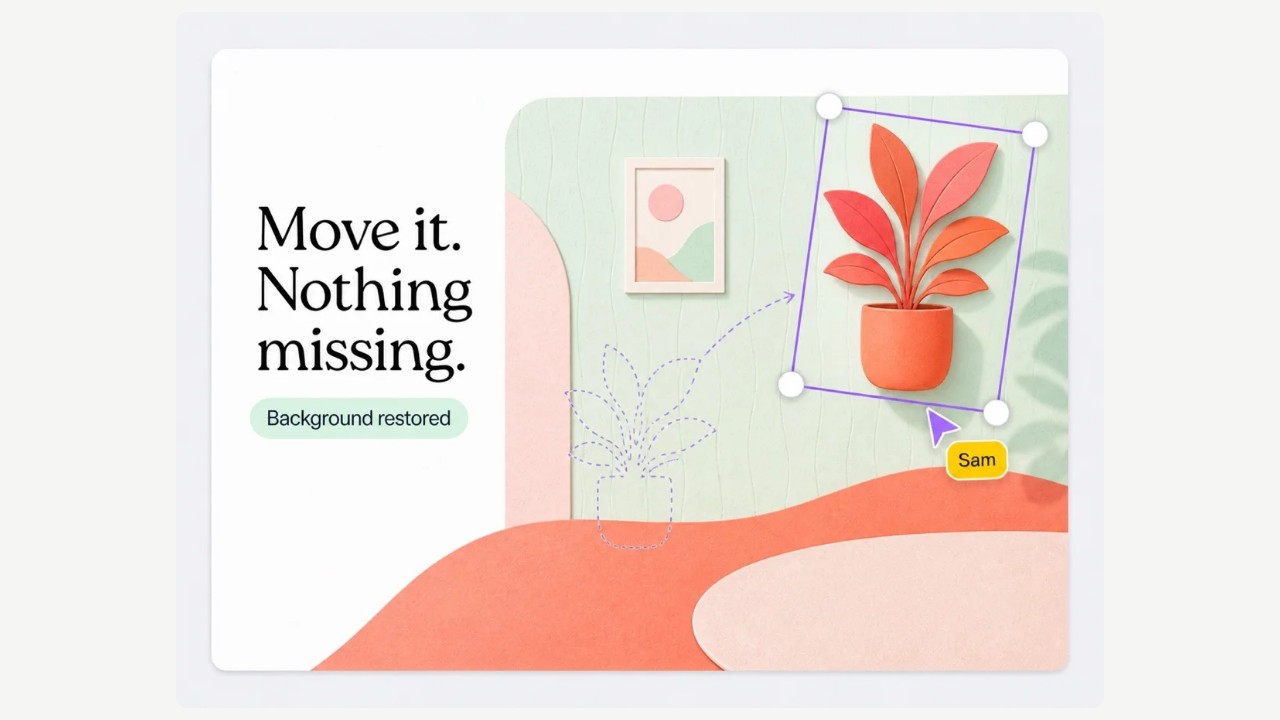
Unlike single-mask cutout utilities, our AI image layer separator detaches multiple props, products, and background planes simultaneously while restoring continuous wall and surface textures underneath.
Separate Scene Objects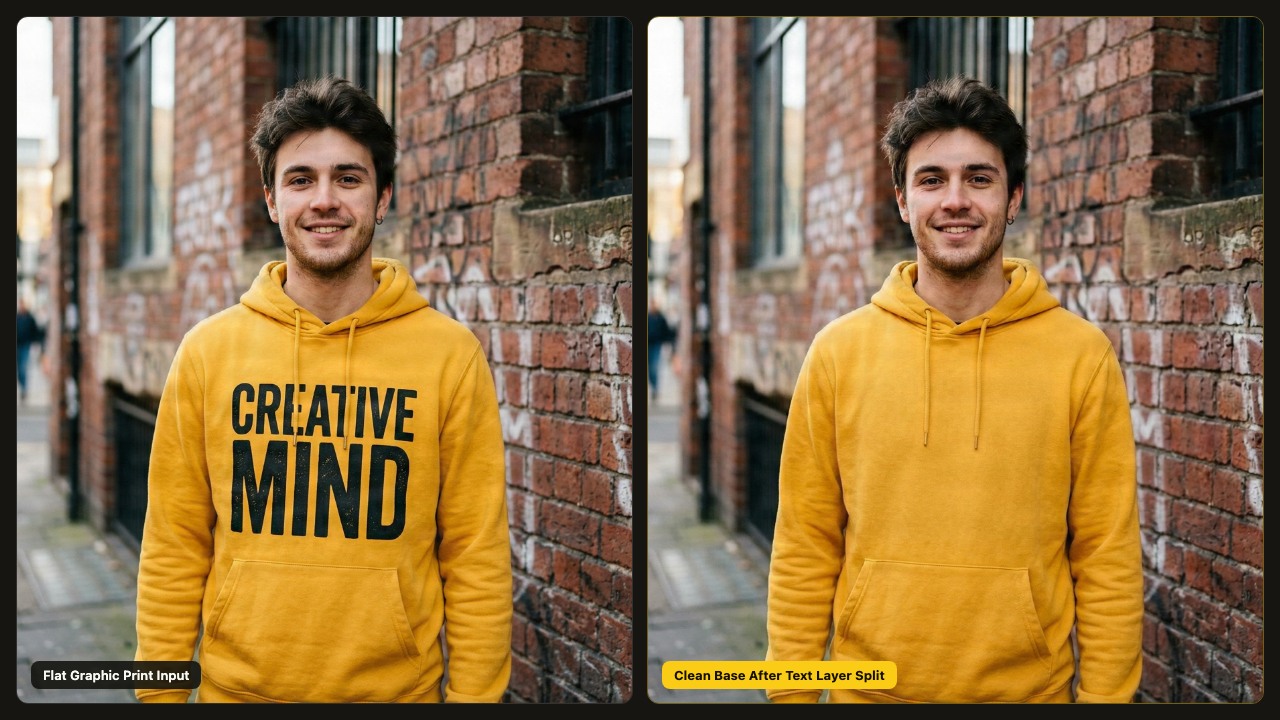
Use Text & Graphics mode to lift printed lettering, stickers, and promo badges onto standalone transparent PNG layers while recovering clean underlying material.
Split Text & GraphicsSlide across the frame to compare a flat photograph with the continuous background plate synthesized behind detached foreground objects.
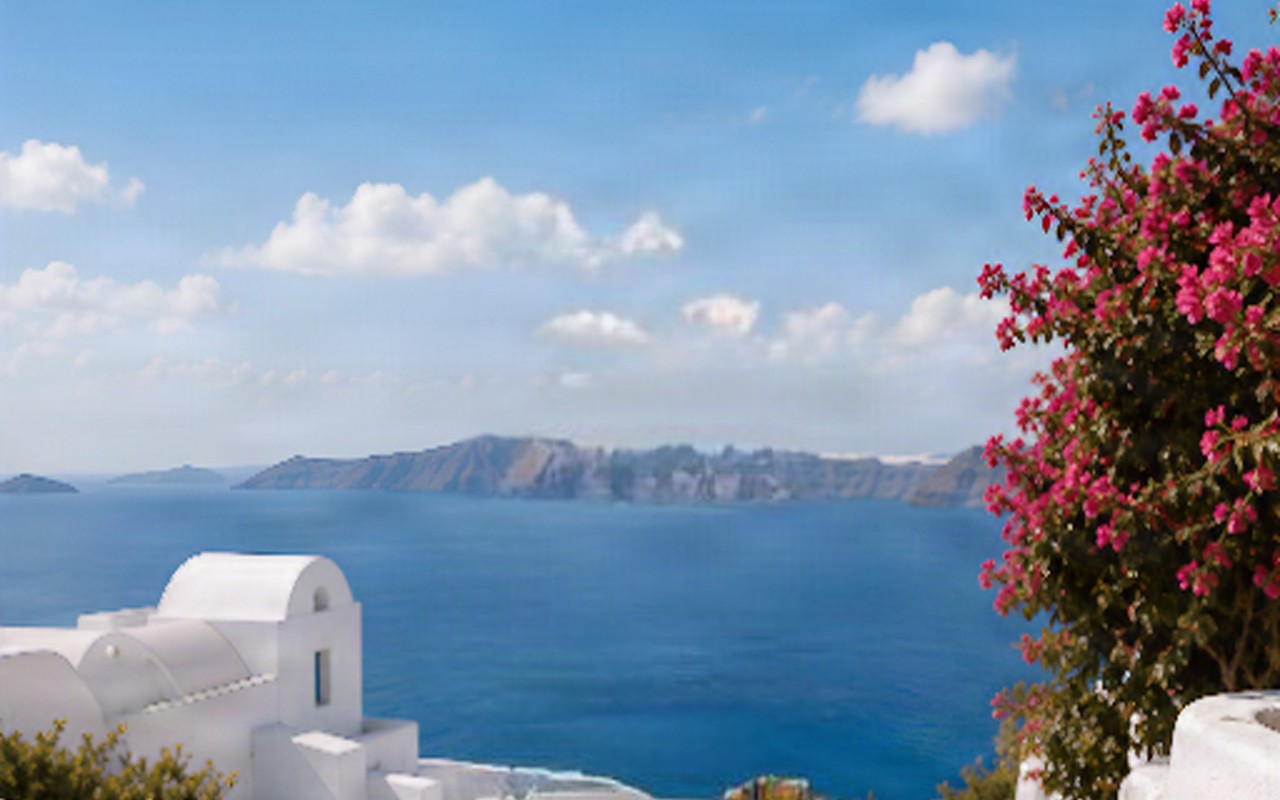 Flat Composite PhotoInpainted Base Layer
Ordinary single-mask cutout utilities delete everything except one foreground subject, leaving either a blank canvas or an ugly silhouette hole whenever you nudge an element.
Image to Layers AI acts as a full image element separator, detaching multiple foreground items while reconstructing continuous stone, wall, and sky textures behind them.
Check exact archive contents, coordinate metadata, downstream tool workflows, and objective raster scope boundaries before running batch decompositions.
Unzip numbered 8-bit RGBA PNG elements alongside exact layers-manifest.json pixel placement coordinates to reassemble clean, movable visual cards inside Figma, Canva, Framer, or Webflow.
| Output Property | Specification | Workflow Benefit |
|---|---|---|
| PNG Stack Archive (.ZIP) | Numbered RGBA PNGs + JSON | Includes trimmed 8-bit RGBA transparent PNG files ordered top-to-bottom alongside exact layers-manifest.json pixel placement coordinates. |
| Optional Photoshop Export | Native Photoshop .PSD | Preserves custom layer names, visibility toggles, opacity values, and pixel nudges inside one Photoshop file. |
| Layer Granularity Modes | Core (4–5) · Detailed (6–10) | Choose fast 4–5 plane splits for simple shots or up to 10 fine element layers for dense scenes. |
| Credits & Free Sample Access | 40–80 Credits · 80 Free Gift | Inspect and export built-in sample stacks free without login; new accounts get 80 permanent credits. |
Every decomposition run delivers private cloud storage, live browser Isolate and Exploded stack inspection, unlimited free re-exports, and automatic credit refunds on failed tasks.
Exported layers are transparent 8-bit RGBA raster bitmaps rather than editable .SVG vectors or live font files, and ultra-crowded collages may group tiny background items.

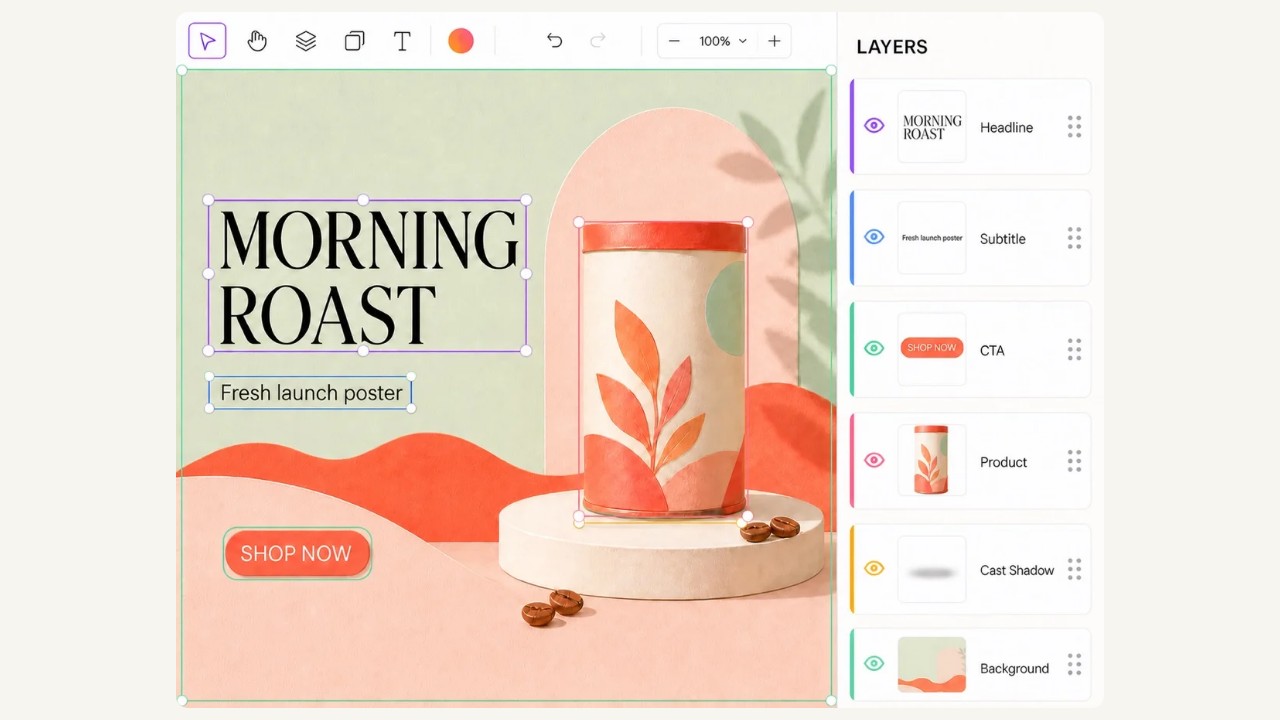
Split finished promotional banners to extract product bottles, botanical accents, price tags, and CTA buttons as transparent PNG layers for Figma or Canva.
Image to Layers AI decomposes flat JPG, PNG, and WebP visuals into named foreground, prop, typography, and reconstructed background layers online, exporting both transparent PNG .ZIP stacks and native Adobe Photoshop .PSD files.
Yes. Anyone can inspect our multi-layer examples online in Composite, Isolate, or Exploded view and download real .ZIP or .PSD sample files without signing in, plus claim 80 permanent welcome credits upon registration.
Core mode extracts 4 to 5 primary semantic planes (ideal for subject, prop, text, and backdrop), while Detailed mode extracts 6 to 10 granular object layers depending on visual complexity.
Each .ZIP download contains numbered 8-bit RGBA PNG files ordered from top to bottom alongside layers-manifest.json, which records original canvas dimensions, pixel bounding boxes, opacity, and custom layer names.
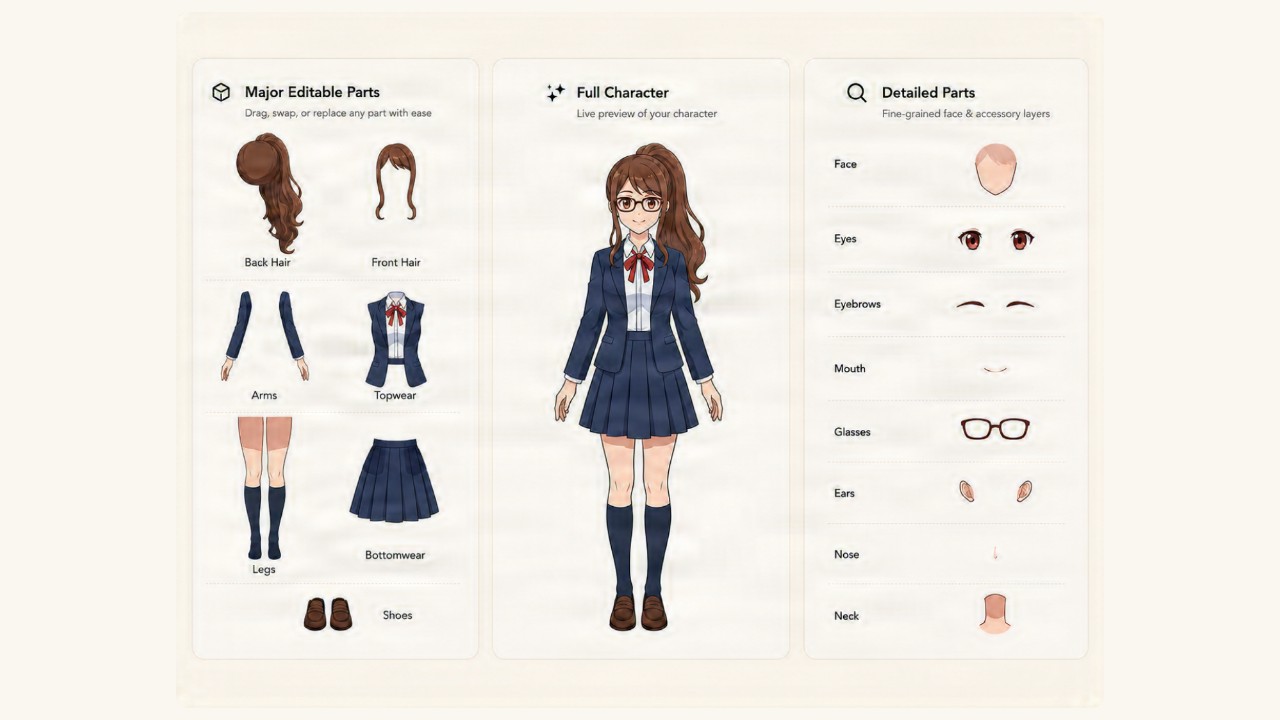
Choose Image to PSD with Layers for Photoshop poster, photo, and painting presets, or Character Layers for 2D anime rigging parts. All workspaces share our semantic decomposition engine and export both .ZIP and .PSD files.
Yes. All uploaded source images and separated layer assets are scoped strictly to your authenticated account, never watermarked, and retained privately according to your plan (7 days on Free, up to 365 days on Ultra).
Inspect live sample stacks in your browser, or sign in to run Image to Layers AI on your own artwork with 80 welcome credits.
Separate Image Layers