Character Layers Splitter for 2D Rigging and See-Through Art

Split flat anime, VTuber, and game art into rigging-ready character layers with filled skin behind hair—upload one illustration or try a sample. Skip manual part cutting.

Workbench view

Real 2D Rigging Part Breakdown From One Standing Illustration

Prepping a single-layer anime commission for Live2D or Spine animation normally means hours of lasso cutting and repainting hidden forehead skin behind bangs. See how one flat JPG, PNG, or WebP standing illustration splits into separated hair, an unoccluded face base, eyewear, and uniform parts ready for .PSD or PNG .ZIP export.

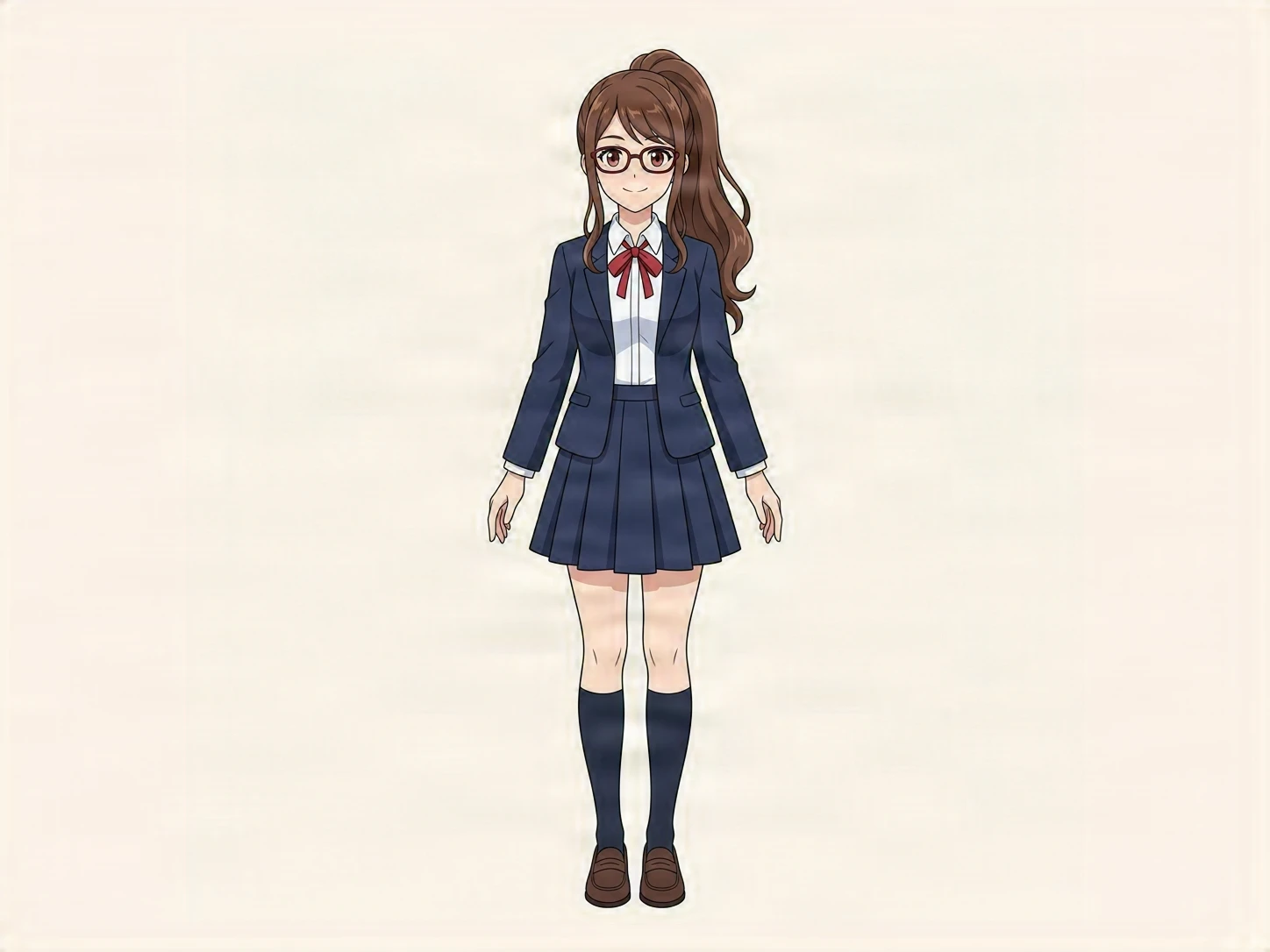
Flat Character Art · 1448 × 1086 PNG
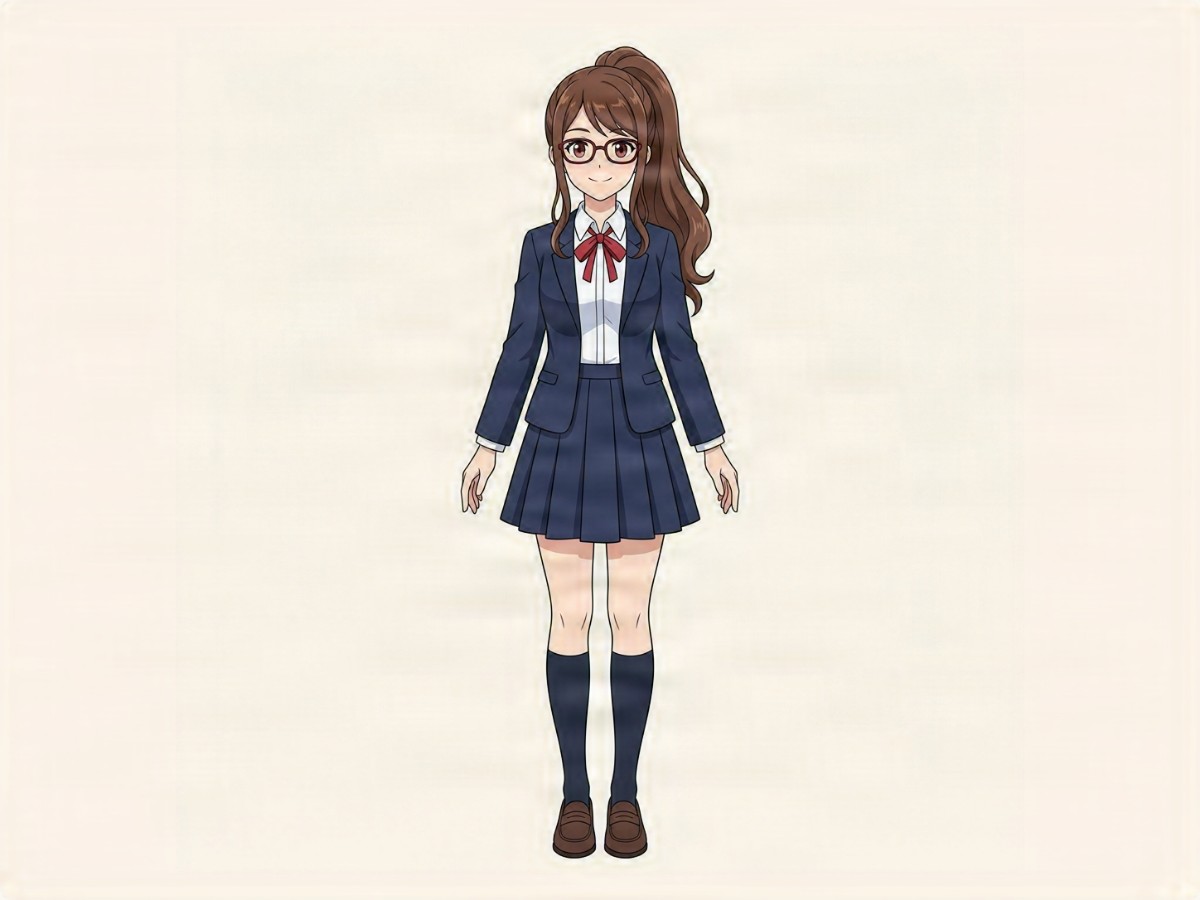
Flat single-layer 2D anime character illustration before rigging part separation

Single-Layer 2D Anime Standing Artwork

Most commissioned or AI-illustrated character sheets arrive as one flattened PNG where front bangs overlap eyes, glasses cross the nose bridge, and ponytails sit behind shoulders.
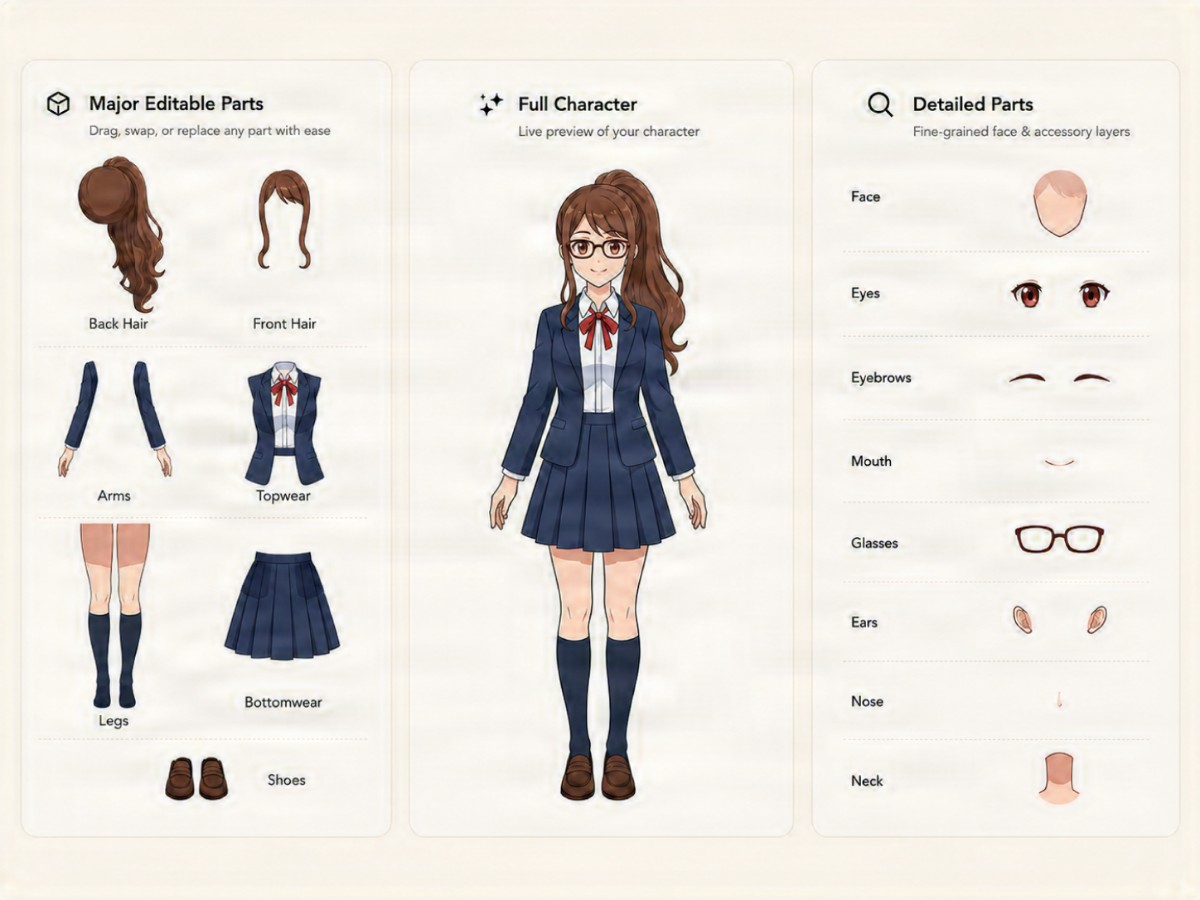
Rigging Stack · .PSD + Alpha PNGs
Separated 2D character layers anatomy showing back hair, front hair, blazer, skirt, see-through face base, eyes, and glasses

Separated Hair, See-Through Base, and Garment Parts

Splitting character layers detaches front bangs, rear ponytail, eyewear frames, uniform blazer, pleated skirt, and footwear while painting continuous skin and collar surfaces behind overlaps.

Inspect Rigging Part Hierarchy

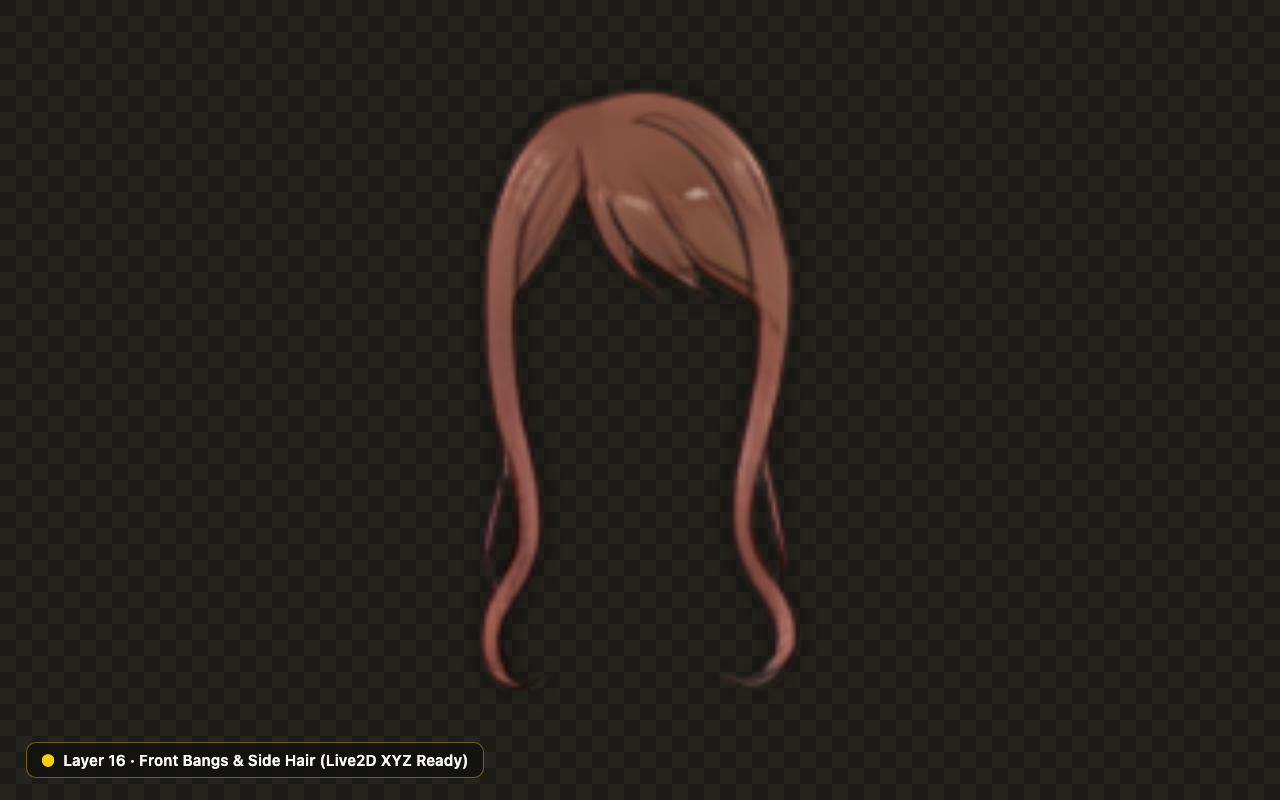
Front Bangs & Side LocksTop Hair

Detached above eyes and glasses for smooth X/Y head-turn parallax.

312 × 390 px

Prepare Editable Character Layers in Three Steps

Open Rigging Splitter

Upload Standing 2D Character Art

Drop a clear front-facing anime, VTuber, or game character PNG, JPG, or WebP up to 10 MB, or test our sample.

Choose a Rigging Preset and Resolution

Select Full Rigging Split, See-Through Base, or Outfit & Equipment for image-to-layers rigging in Detailed 1K or 2K mode and add optional part notes.

Rename Parts and Export Layered PSD

Check overlaps in Exploded view, rename character layers for your rigger, and download a native .PSD or PNG .ZIP.

Engineered Around Real 2D Rigging Overlaps

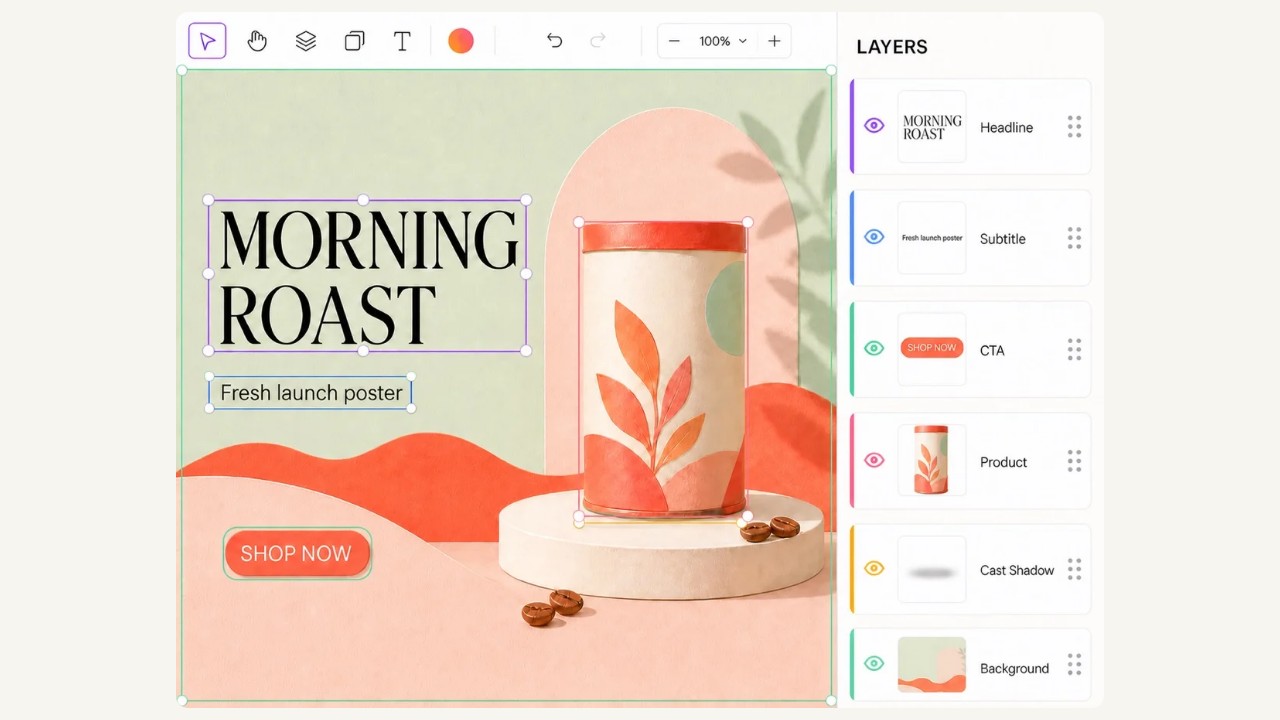
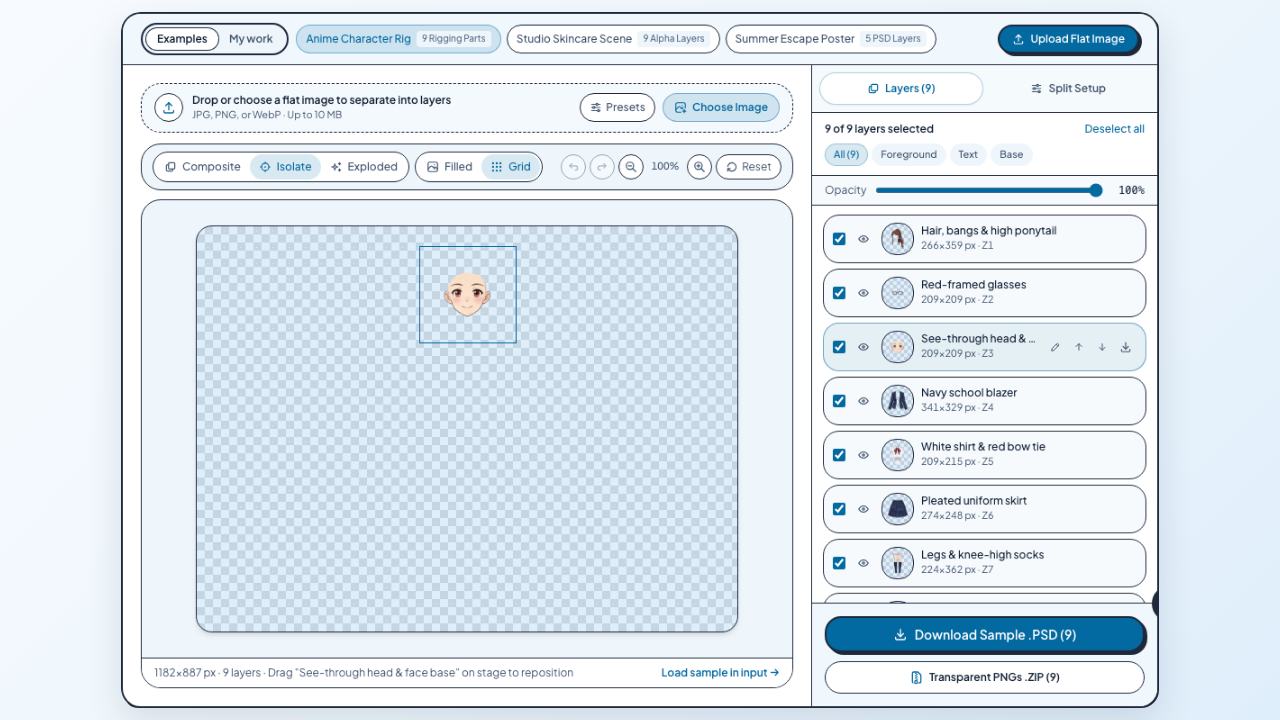
Character Layers studio showing 2D rigging presets, Exploded 9-part anime preview, and PSD export controls

Audit Part Overlaps and Rename Layers in Browser

Switch between Composite, Isolate, and Exploded views to verify every boundary across your character layers, adjust z-order, and rename parts before importing into Live2D or Photoshop.

Try Exploded View
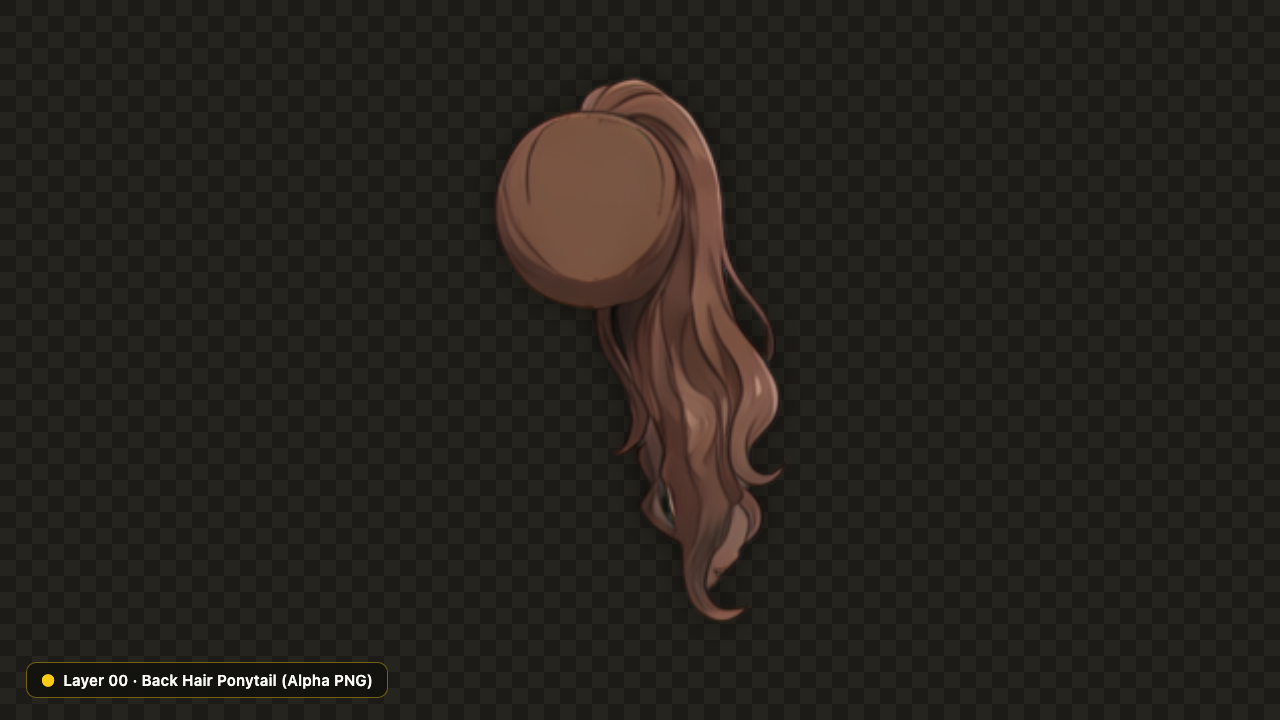
Isolated anime back-hair ponytail PNG layer over dark alpha checkerboard for Live2D physics rigging

Separate Front Bangs From Rear Ponytails and Capes

Isolate rear hair masses and ponytails onto dedicated back character layers behind neck and shoulder silhouettes so animators attach pendulum deformers without warping the collar.

Split Hair Groups
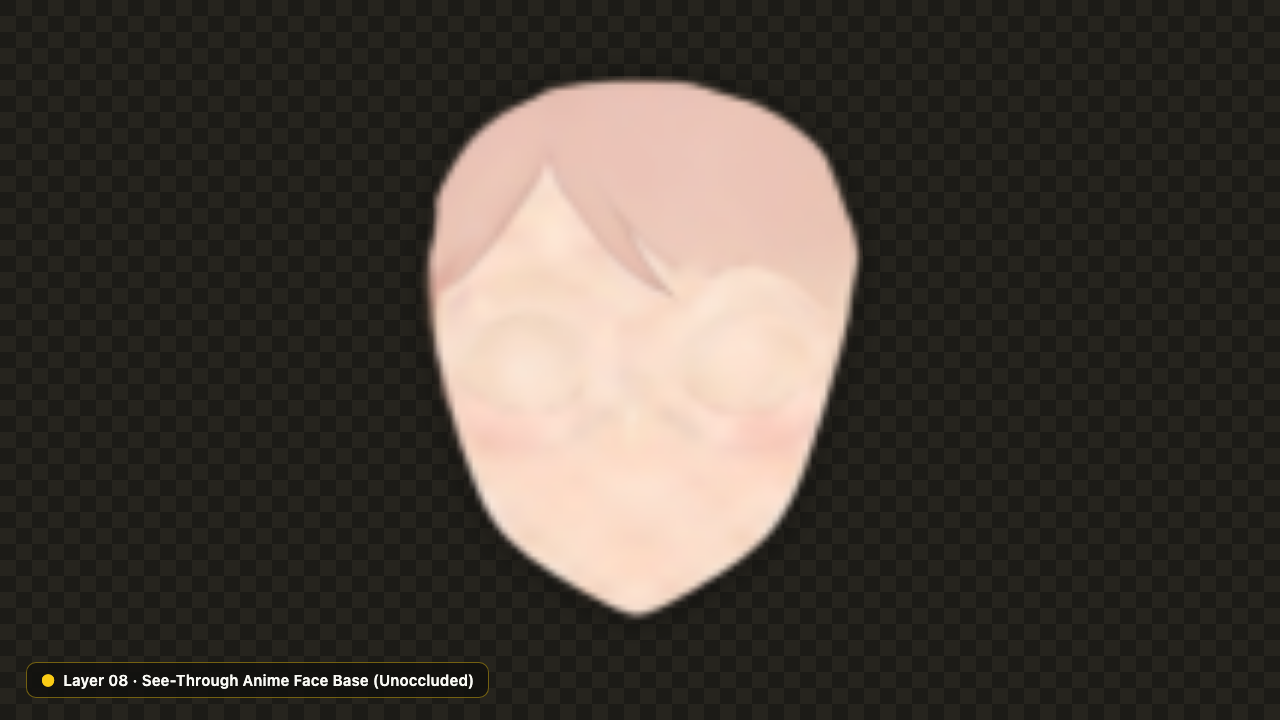
Unoccluded see-through anime face base layer with skin filled smoothly behind bangs and eyewear

Reconstruct Unoccluded See-Through Anime Face Bases

Generate a clean see-through anime layer where forehead skin, cheeks, and neck contours are smoothly filled behind bangs and glasses, preventing bald gaps during head turns.

Generate See-Through Base

Live2D, Photoshop, and Spine 2D Handoff Specifications

Review exported file structures, naming controls, optimal character pose guidelines, and honest rigging scope boundaries before importing into animation editors.

Rename and Order Character Layers Before PSD Import

Rename extracted parts to match your Live2D group conventions inside our browser studio, verify z-order in Exploded view, and export a native 8-bit RGBA .PSD.

Rigging AspectStudio SpecificationAnimator Workflow Value
Exported Rigging FormatsPhotoshop .PSD + PNG .ZIPDelivers both a native 8-bit RGBA Photoshop file and numbered transparent PNGs with JSON bounds.
Occluded Base ReconstructionAmodal Skin & Hair FillAmodal inpainting fills forehead skin behind bangs and rear hair behind shoulders to prevent gaps.
Recommended Input PoseSingle Character · Clear PoseSingle front-facing standing artwork with visible limbs and clean silhouette linework yields cleanest part boundaries.
Granularity & Credit CostDetailed 1K (60c) · 2K (80c)Detailed mode extracts up to 10 parts; new accounts receive 80 free permanent welcome credits.
Included Deliverables

Included in Every Character Layers Export

You receive separated hair, unoccluded base skin, accessory, and garment character layers with custom part names, z-order hierarchy, pixel offsets, and private cloud project history.

Scope Boundaries

Rigging Mesh and Fine Micro-Part Boundaries

Exports provide separated raster PSD/PNG art layers rather than rigged .cmo3/.skel bone weights; micro-parts like individual eyelashes may still benefit from quick Photoshop touch-up.

2D Animation Workflows Built on Character Layers

Separated front bangs and side hair locks layer prepared for VTuber head-turn rigging in Live2D

Rig Smooth X/Y/Z Head Tracking Without Manual Cutting

Extract clean front bangs and side hair character layers over reconstructed face bases so Live2D Cubism artists build expressive head-turn parallax from flat standing commissions.

2D Character Rigging & Layer Export FAQ

Image to Layers brand icon

Split Your 2D Art Into Rigging-Ready Character Layers

Test our 9-part anime sample in your browser or sign in to generate custom character layers with 80 free welcome credits.

Start Character Split