Realism first
We prioritize convincing detail, lighting, materials, and motion over an obviously synthetic look.
About Image to Layers
We help designers, marketers, illustrators, and 2D riggers turn flat raster images into structured, editable Photoshop PSD and transparent PNG layer stacks.
“What if opening a flat PNG felt just like opening the original layered project file?”
Why we built it
Creative teams constantly inherit flat files—archived campaign JPEGs, AI-generated concepts, or single-layer character art—where moving a headline or animating hair means tediously cutting masks and painting behind every object.
Image to Layers combines semantic object separation with amodal background inpainting and a browser-based Layer Studio so you can inspect, rename, reorder, and export genuine multi-layer .PSD files in one workflow.
Whether you are resizing ecommerce ads, grading digital paintings, or preparing 2D anime characters for rigging, every feature is designed around real post-production handoff.



Core capabilities
Each workspace is tuned for the layer structure, naming, and export format your downstream tool expects.
Convert flat posters, paintings, and composites into native multi-layer .PSD files with exact coordinates.
Reconstruct clean backgrounds behind foreground subjects and props so repositioned layers never reveal holes.
Break any flat image into individual transparent PNG layers and a manifest-backed ZIP archive.
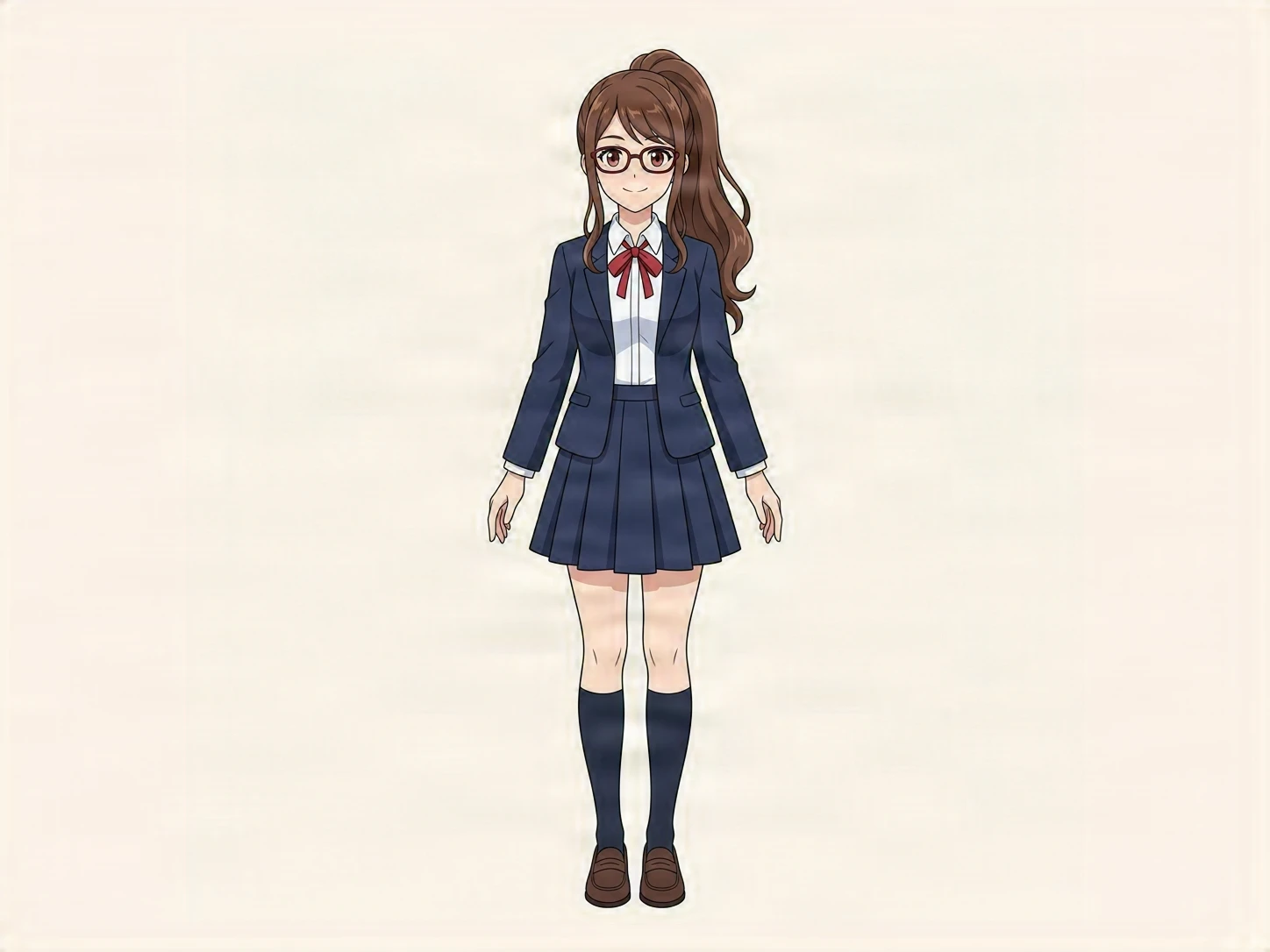
Separate 2D anime and VTuber art into hair, unoccluded see-through face base, outfit, and accessory layers.
Preview in Composite, Isolate, or Exploded Stack view, adjust opacity, rename layers, and nudge positions.
Reopen past decompositions from My Creations with all custom layer names, z-order, and offsets intact.
Our mission
Flattened JPEGs, client exports, and AI renders should not force hours of manual masking and clone-stamp repair. We build practical tools that recover clean, structured layers ready for real design software.
We prioritize convincing detail, lighting, materials, and motion over an obviously synthetic look.
Every feature starts with a real creative or commerce job, not a technology demo.
Focused workflows reduce the steps between a visual idea and a usable asset.
AI supports the process while your idea, direction, and taste shape the result.
Test our interactive multi-layer samples in your browser or upload an image to export a Photoshop PSD.
Have a question or an idea to share? support@imagetolayersai.org